
Contents: Set up Hackatime
How to set up Hackatime
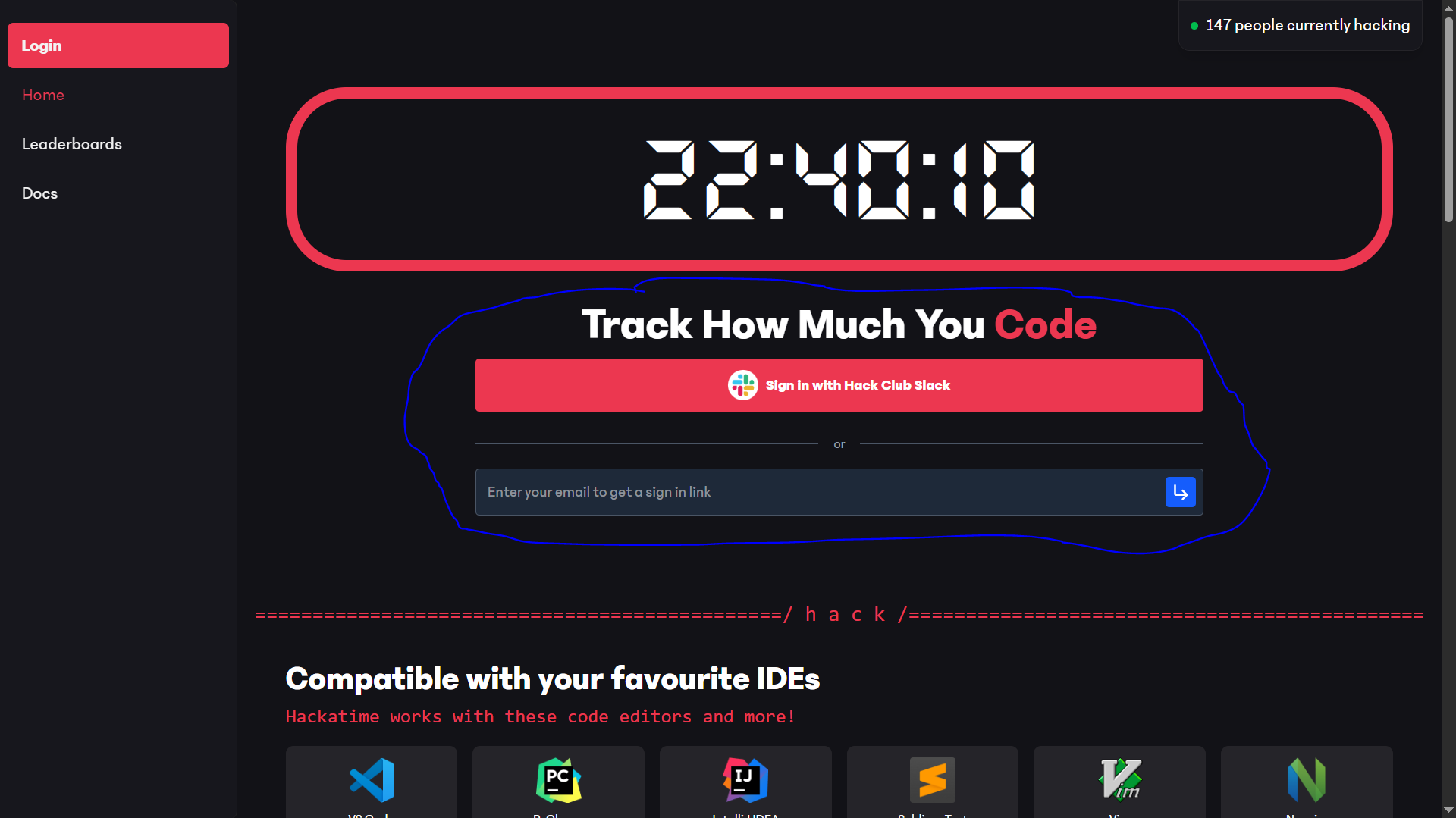
Step 1: Log in to hackatime.com using your the email associated with your Hack Club account.
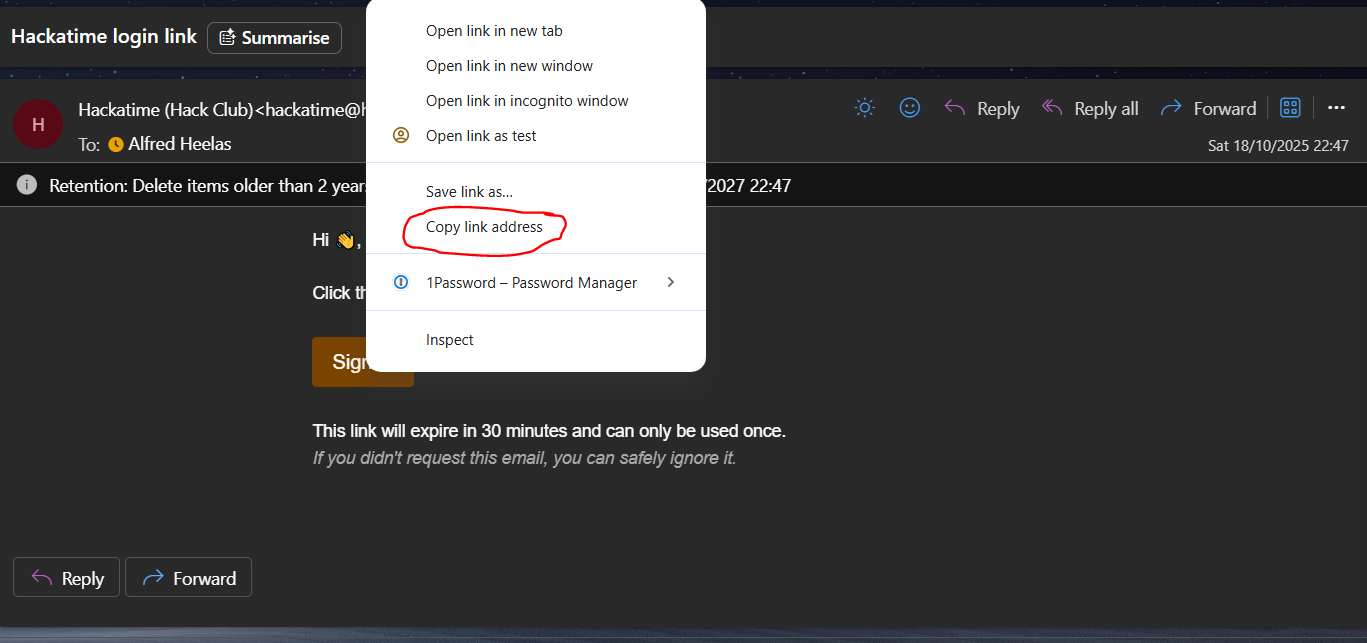
Step 1a: If you are receiving the link to your email, don't click the button instead right-click and press copy link
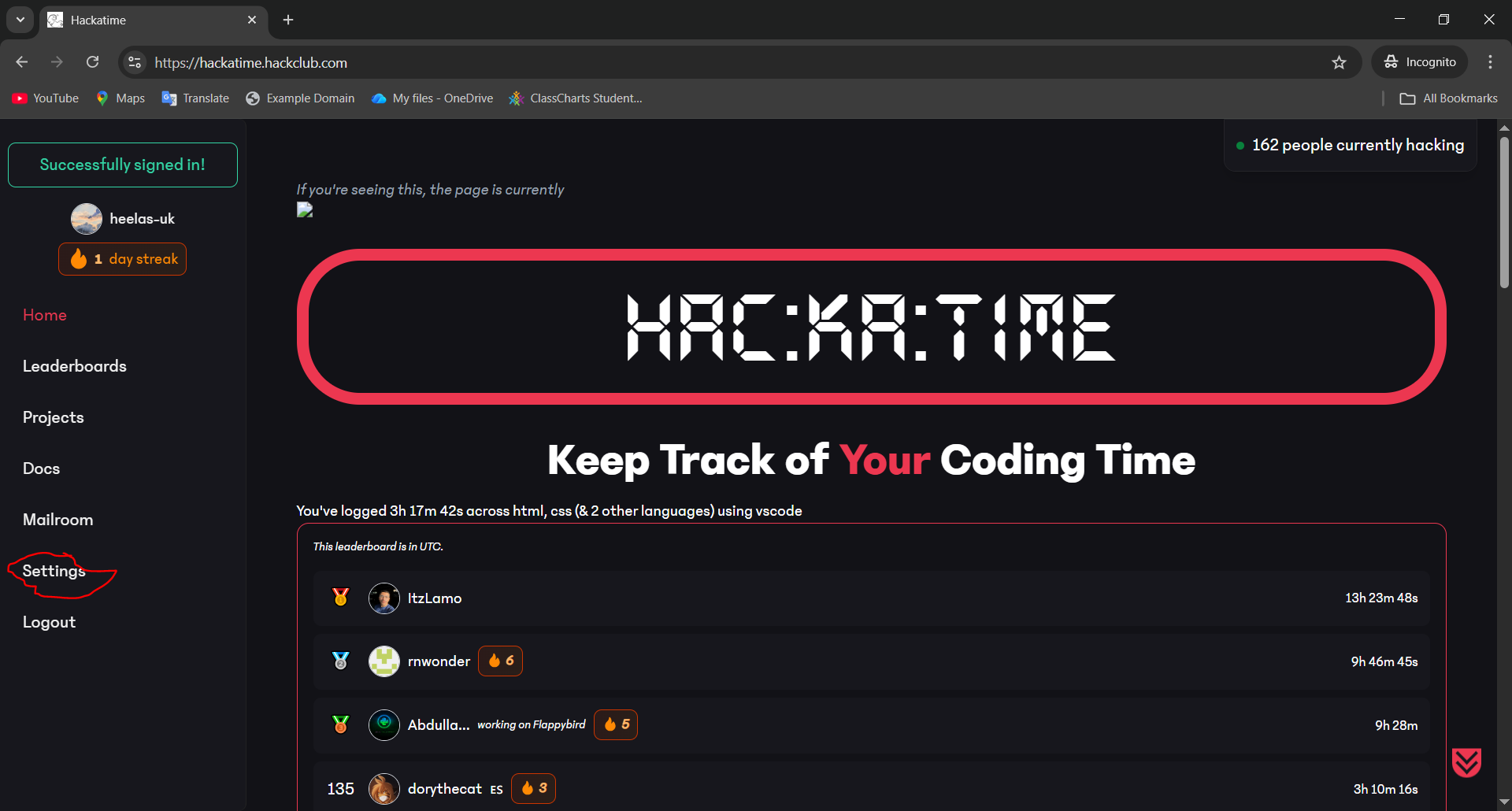
Step 1b: Paste the link into your browser's address bar and press enter.
Step 2: Once logged in, click on your profile icon in the bottom left corner and select "Settings".
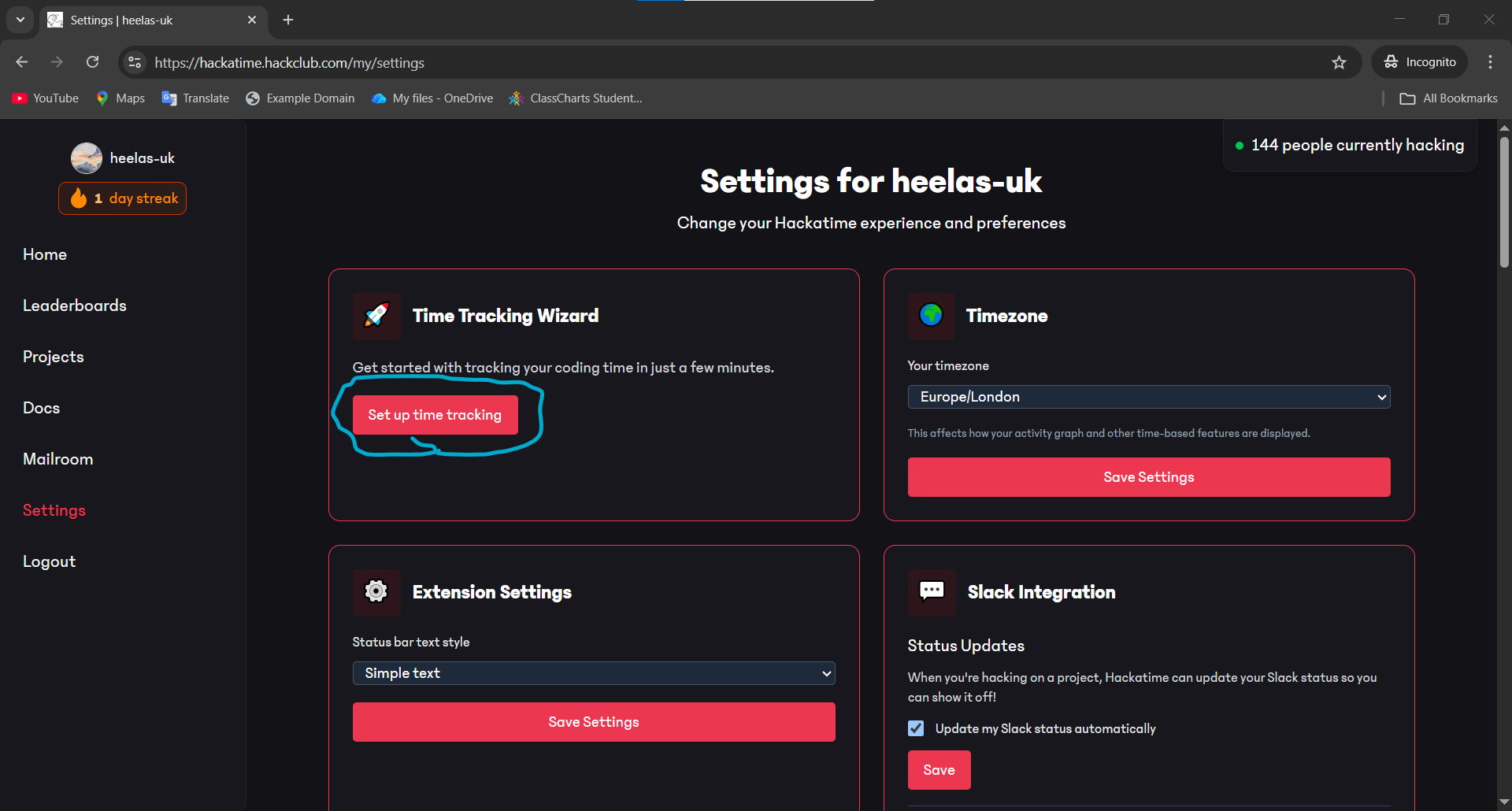
Step 3: In the settings menu select "Set up Time Tracking". Note: If you are using Github codespaces you will need to this every time you create a new space
Step 4: Now switch to your code editor of choice if you are in school that will need to be codespaces while out of school you can use whatever your heart desires 😁. Search for the code editor you are using and follow the instructions until you enter your API key.
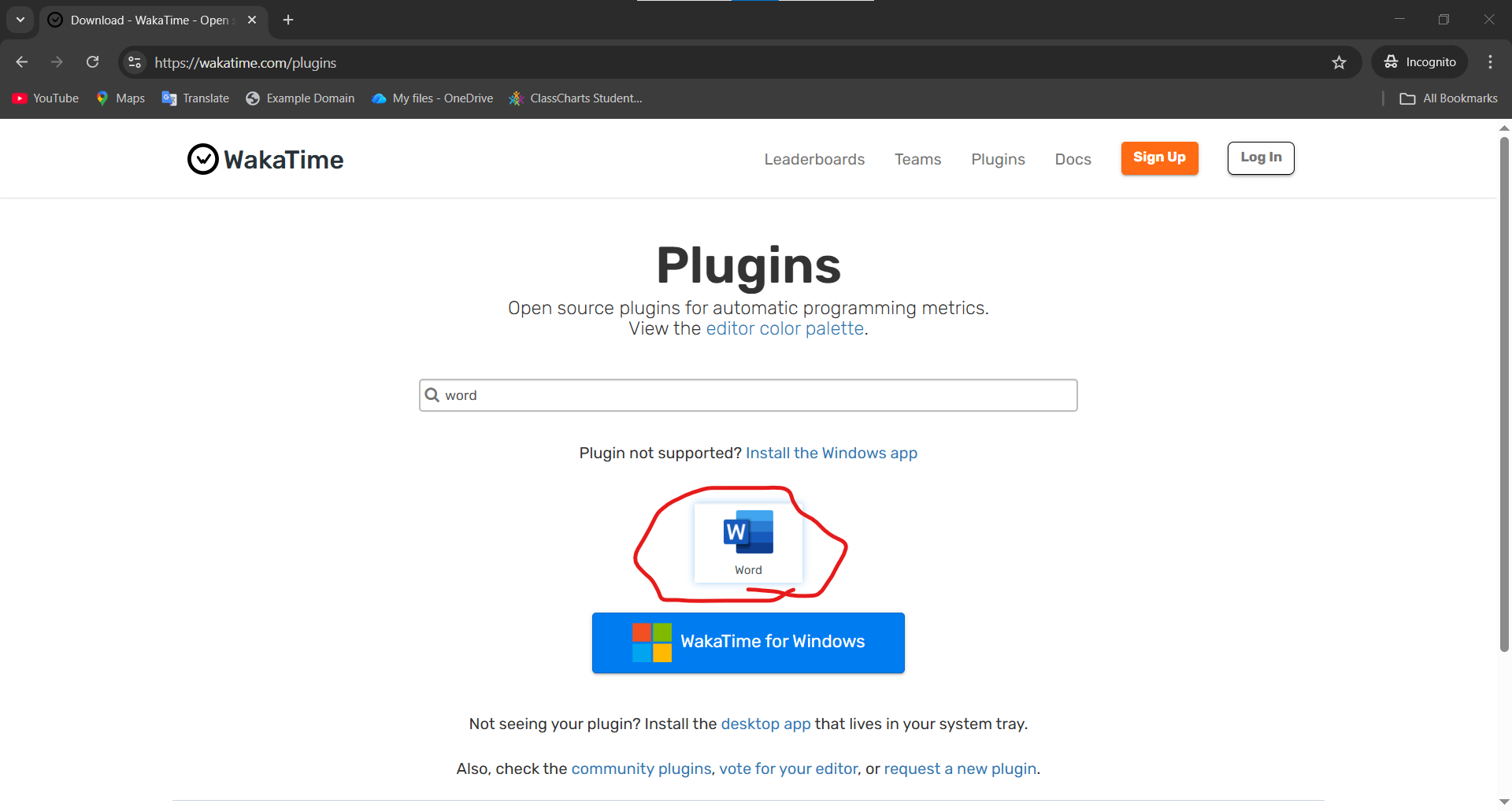
I used word for this demo because I have free will.
Step 5: Navigate back to your Hackatime settings and copy your magic command then follow the instructions for your platform
Step 6: You can safely ignore points 2 and 3 of the websites guide this is becuase we have already dont it
Step 7: Get coding if you upload your code to github you can earn points for the club so we can buy snacks and drinks for our next club meeting
Oh and one more thing fraud is bad, this means don't cheat the system or you will be banned from participating in club activities and reported to the school. This is not our choice it is Hack Club's determination.
How to set link Hackatime to your dashboard account
Step 1: Go to your Hackatime dashboard or click here for a magic link here.
Step 2: Copy your API key from the settings page.
Step 3: Go to your Hack Club dashboard and click on "Account -> Settings" or click here for a magic link here.
Step 4: Paste and save your API key. Congrats you can now submit your project.